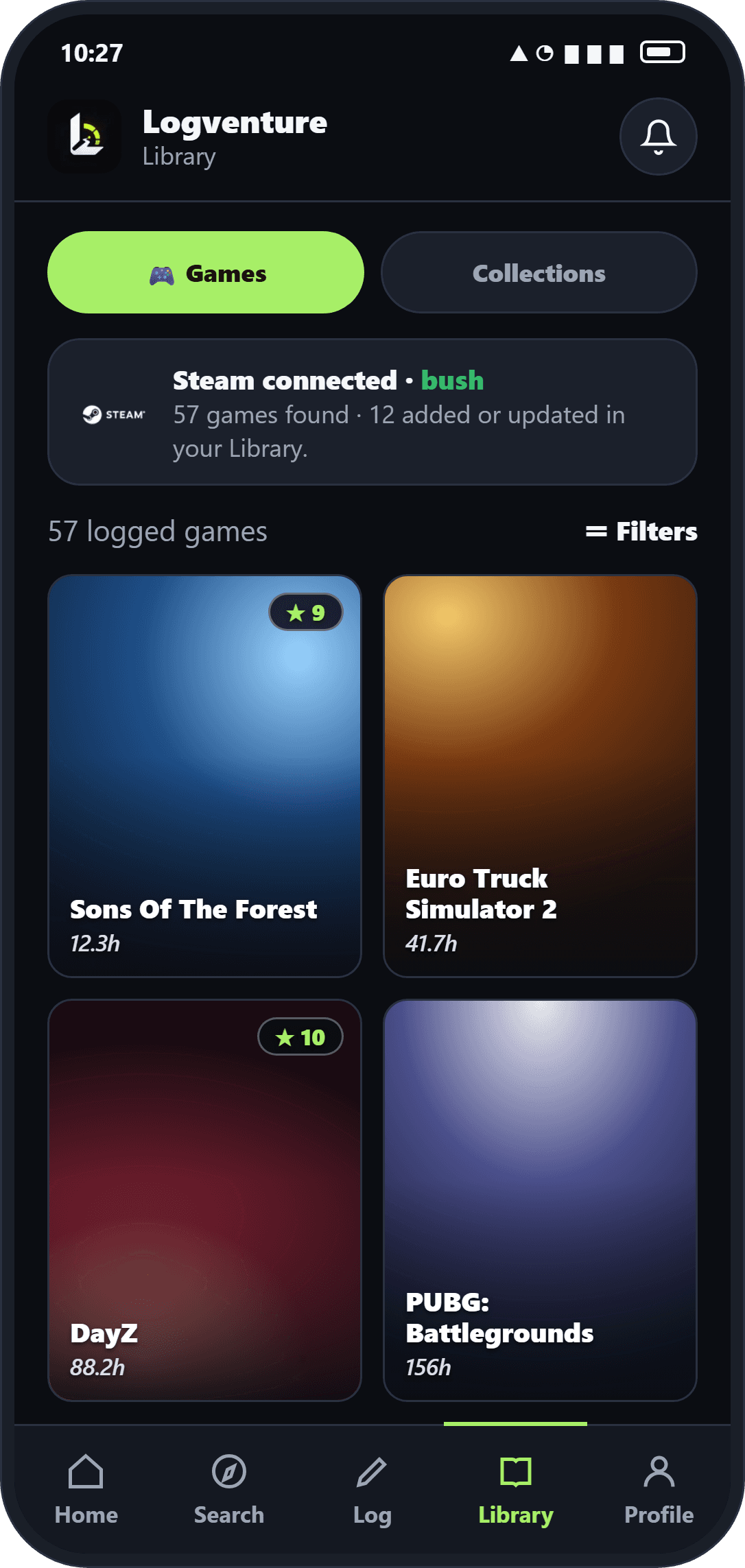
Bring your Steam library with you.
Link Steam once and every game you own lands in your library with its playtime already filled in. New sessions keep syncing in the background, so your diary grows while you play, not after.
- Steam-first setup — your games and playtime imported while you sign up
- Settings › Steam — Sync library and Unlink, whenever you want
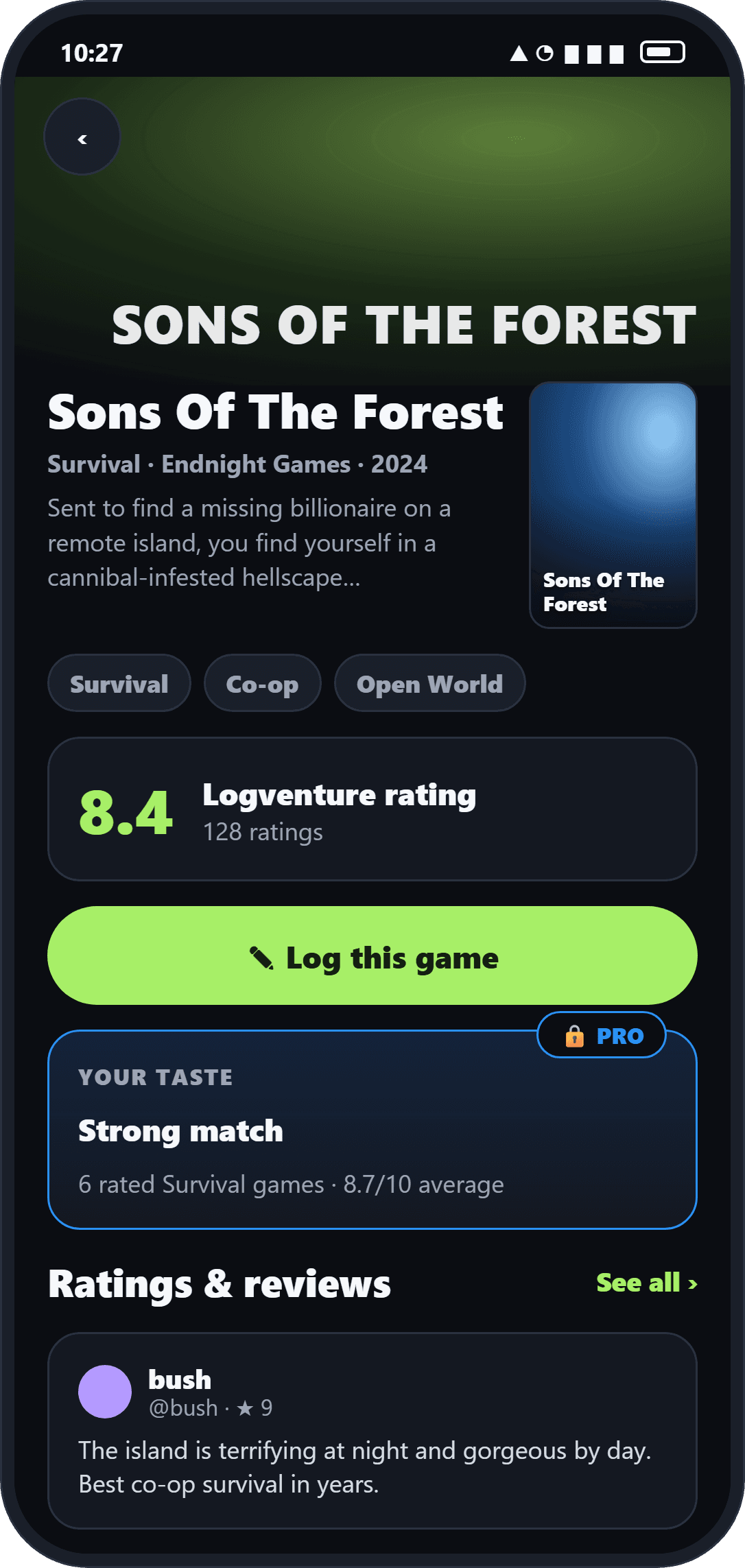
Every game leaves a mark.
Watch the trailer, read the details and see the Logventure rating and reviews on the game's own page. Then log it: a score out of ten, the hours you played and a few thoughts. Taste Match reads your ratings and tells you, on every game page, how well it fits what you already love.
- Game page — Watch trailer, the Logventure rating, your log and reviews
- Log a game — slide to a score out of ten, add your hours and a few thoughts
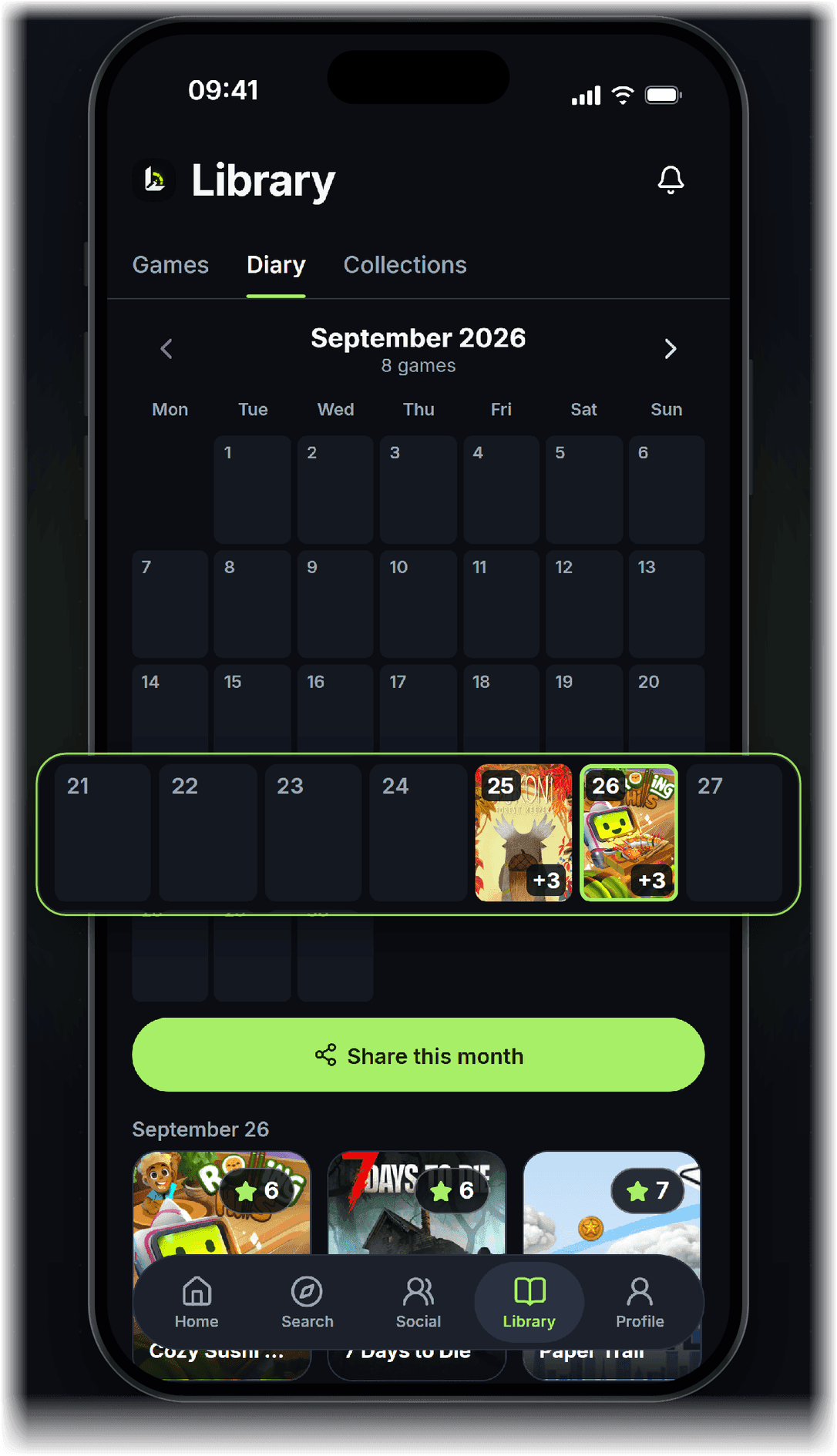
Your games, day by day.
Library keeps a Diary: a month calendar with a cover on every day you logged a game. Tap a day to see its games with your rating and hours, flip back through the months, and share any month as an image.
- Library › Diary — a cover on each logged day, and +N when a day has more
- Share this month — your month's calendar as an image to post
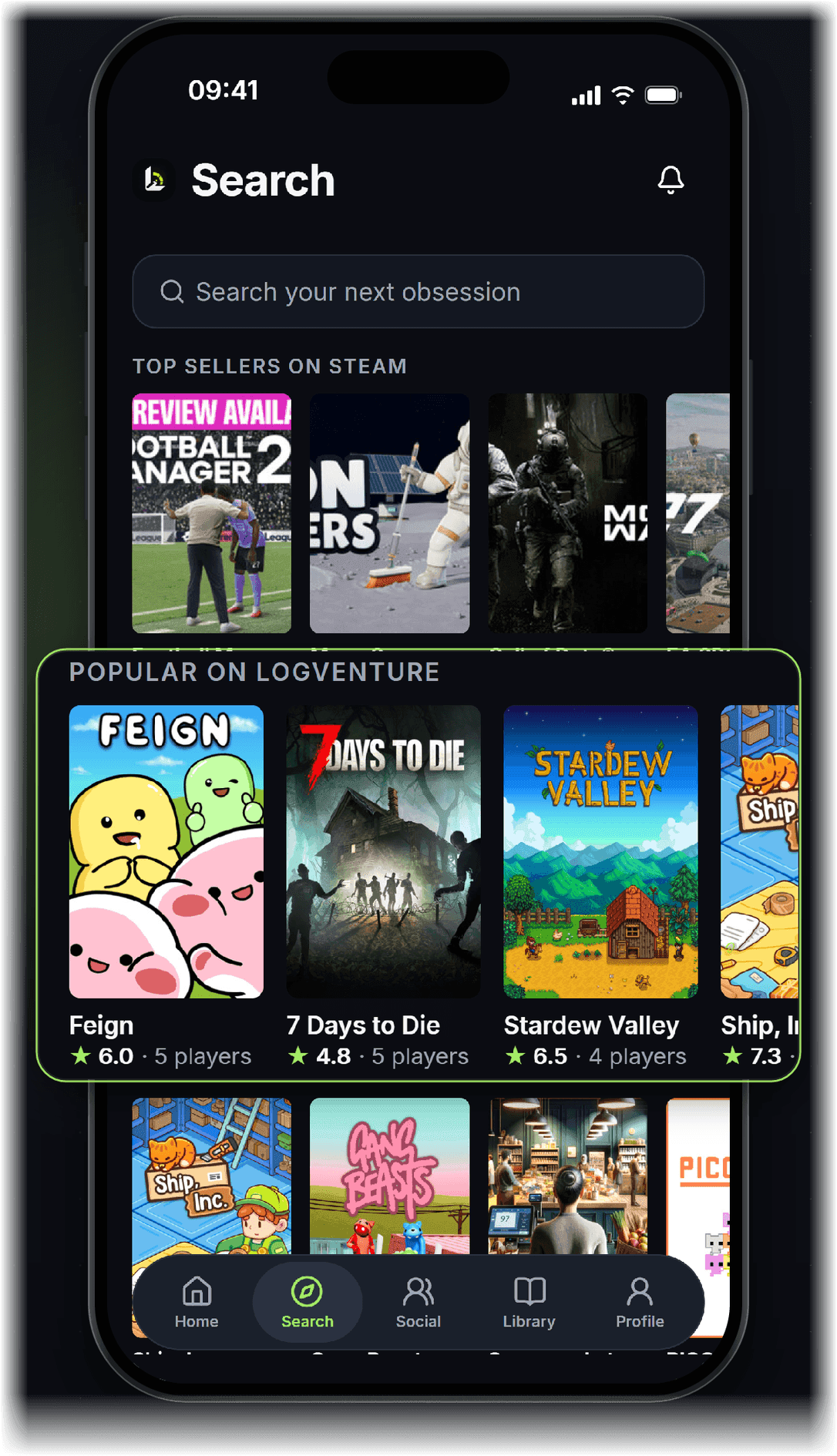
Find your next game.
Search every game by title, or browse the shelves when you don't know what you want yet: Top sellers on Steam, Popular on Logventure, Highest rated and what your friends are playing. In Library, Pick my next game suggests one you don't have yet, shaped by the games you rate.
- Search — find any game by title and open its page
- Shelves — Top sellers on Steam, Popular on Logventure, Highest rated and Rated lately
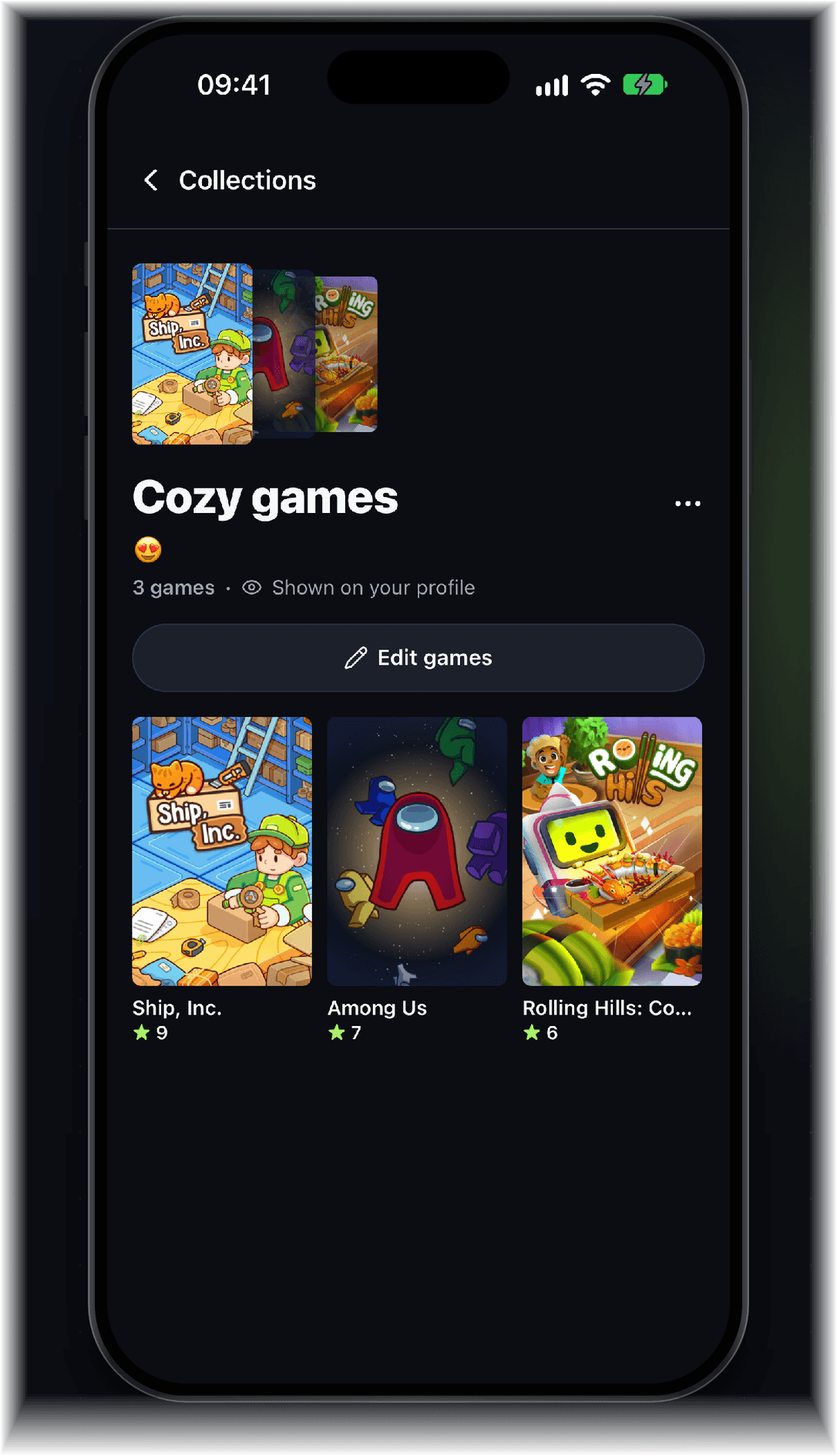
Collect the games that matter.
Cozy nights, co-op picks, all-time favorites: group your games into collections and choose which ones show on your profile. With Pro, Smart Collections keep themselves up to date from rules you set.
- Collection — covers with your ratings, Edit games, shown on your profile
- New collection — pick every game yourself or, with Pro, a Smart Collection
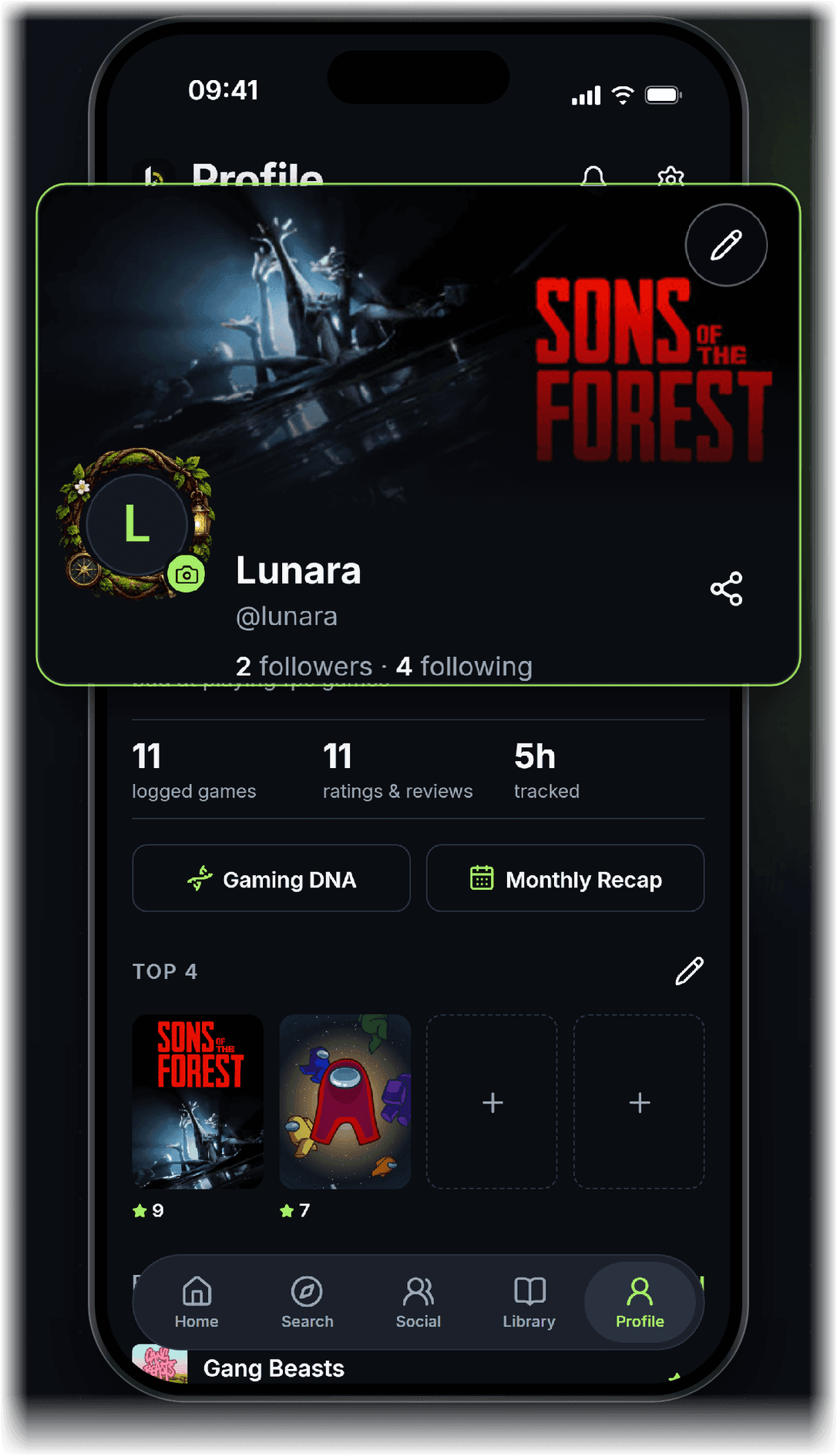
Make your profile yours.
Pick a banner from your games' art or the Logventure banner, choose your Top 4 and let your numbers speak: games logged, ratings and reviews, hours tracked. Your Gaming DNA and Monthly Recap are one tap away, and your profile shares as a logventure.net link.
- Profile banner — art from your Top 4 or library, or the Logventure banner, with a live preview
- Top 4 — the four games that say the most about you
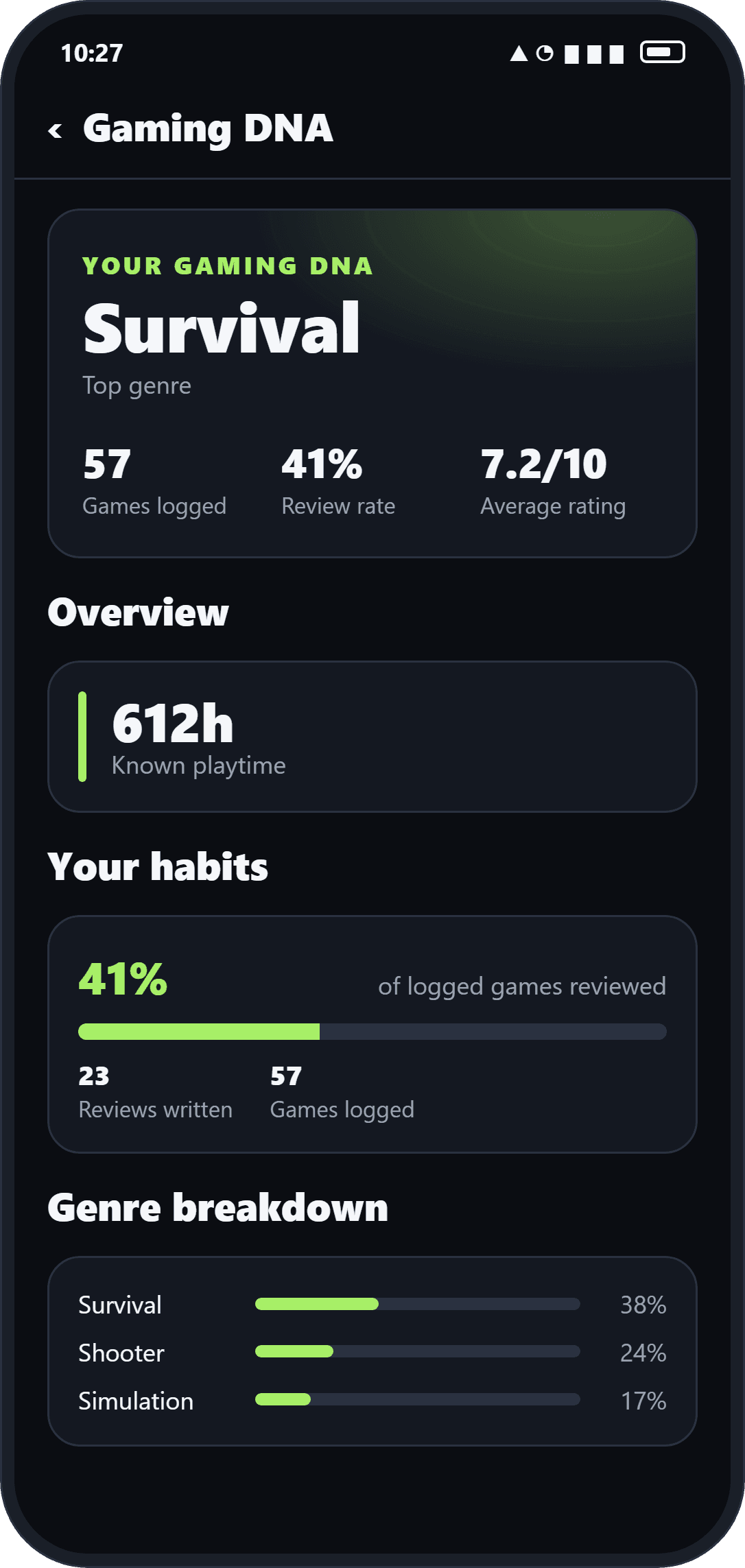
Meet your Gaming DNA.
Your diary turns into a portrait: the genre you keep coming back to, how you rate, how often you write, and where your hours really go. It sharpens with every game you log.
- Gaming DNA — your player type, games logged, review rate and top genre
- Deeper analysis — genre breakdown, rating patterns and playtime highlights
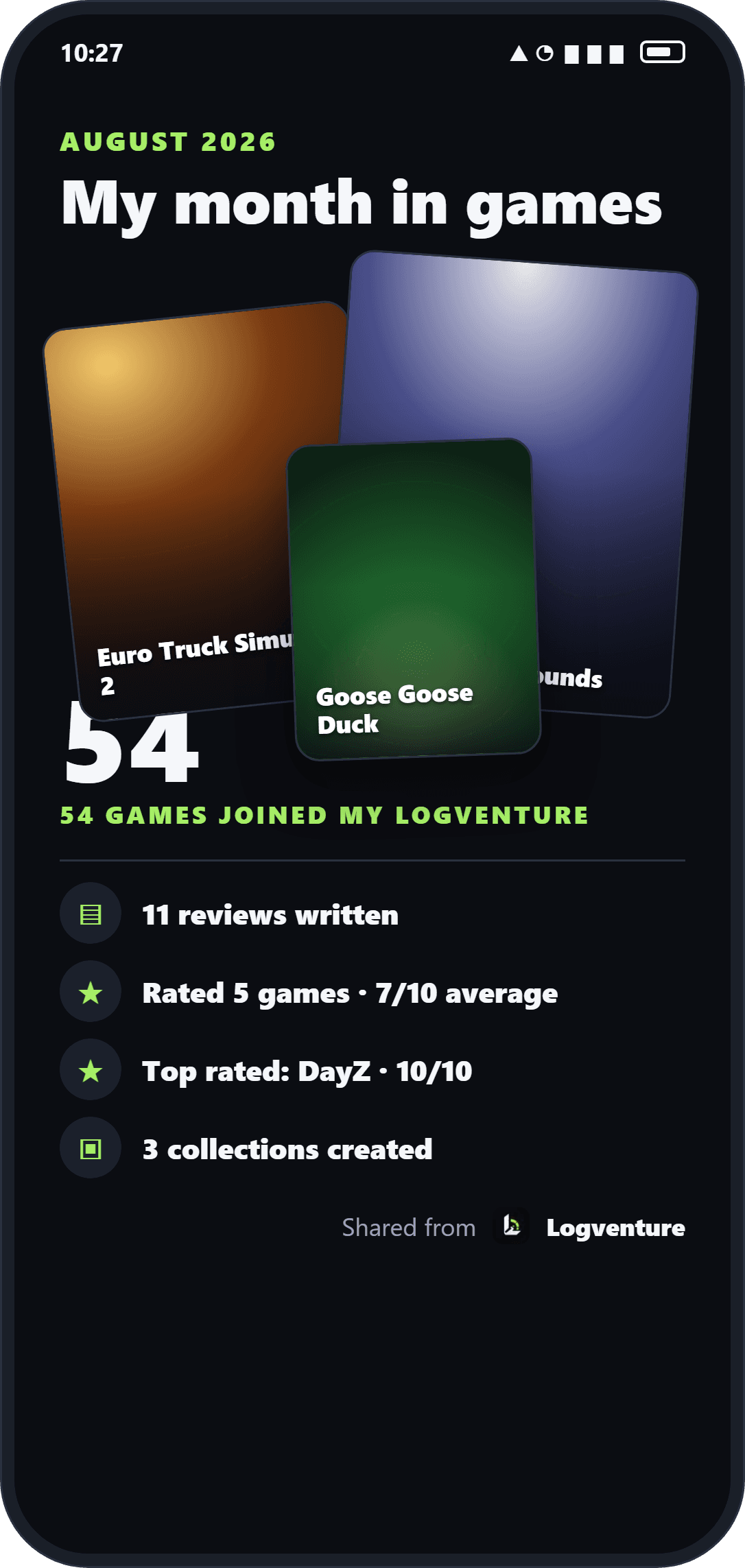
Your month in games.
At the end of every month Logventure writes the recap for you: games added, reviews written and your average rating, around the covers you played. Pro adds your rating highs and lows, your month's rhythm and a story card to share. Year in Gaming does the same for the whole year.
- Monthly Recap — games added, reviews written and average rating
- Year in Gaming — the annual editorial and its share card
Steam is a trademark of Valve Corporation. Logventure is not affiliated with Valve Corporation.
GET THE APP
Your next game deserves a log.